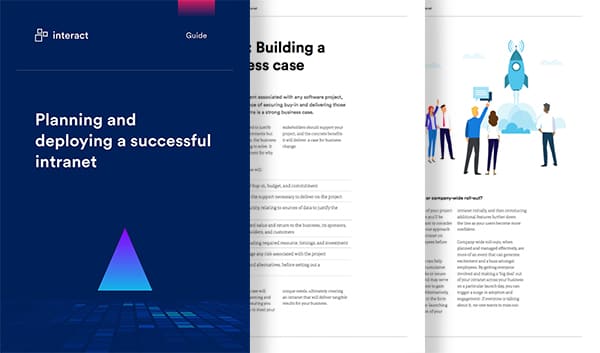
Feature-packed intranet software
Interact’s industry-leading software is full of features designed to connect your entire organization; from your people and tools to your company culture.
Free Intranet Playbook




Interact for Microsoft 365
Interact offers complete integration with all your favorite Microsoft 365 (formerly Office 365) apps, allowing you to build your perfect intranet with the tools you use the most.
Find out more




It's the little things that make our intranet software industry leading
Our intranet software is packed full of dozens of clever little tools and features that help keep your organization connected, engaged and productive.

Blogging tool
The Interact blogging tool gives every employee a platform on which to share news and information - from the CEO to front-line workers.
Bulk document upload
Bulk upload documents into your intranet with Interact's drag and drop feature - you can even upload documents directly from zip files.
Calendars
Make your intranet the go-to place to discover and manage events and meetings across your whole organization with Interact Calendar.
Page findability scoring
Discover how easy your pages are to find within the intranet, and make improvements to ensure they're surfaced in searches.
Ideas, questions & voting
Encourage proactive idea sharing and allow instant voting on the best ideas - a simple but effective way to collaborate.
Image galleries
Create rich and engaging content with image galleries. Simply drag and drop to upload images, then tag, comment and collaborate.
Instant messenger support
Discover co-workers in the Interact People Directory, then spark instant interactions with apps such as Microsoft Teams and Jabber.
Mandatory read
Ensure critical information has been read. Mark specific content as a mandatory read, record who has read the content and issue reminders where appropriate.
Media manager
Keep a central bank of all the media uploaded to your intranet, then select, edit and use it as required, reducing duplication of content.
Notifications and updates
Receive notifications and updates on key actions and activities on your intranet; from content you're required to read, to updates from workers you follow.
Onboarding homepages
Welcome employees onboard - even before they start - with tailored homepages. Present specific information to help with new starters' first few weeks.
Organization chart
Get an immediate overview of your organizational structure with an interactive org chart. See reporting lines, search, and drill down into individual people profiles.
Profile badges
Recognize employee achievements and make it easy to identify individuals with specific expertise and skills, with Profile Badges.
Quizzes
Test employees' knowledge by setting quizzes using a combination of questions types and media. Set pass marks to alert users on whether they've passed or failed.
Rewards & recognition
Recognize your employees' contributions with rewards, awarded through the intranet. These can be peer-to-peer or top-down.
Rich text editor
Enable users of all abilities to create attractive pages. Add and embed images, include rich media and hyperlinks, or structure content using drag and drop functionality.
Themes
Choose from multiple themes that come as standard in our intranet software, helping reinforce your internal brand.
Version control
Stay compliant by maintaining an integrated audit trail and allowing for rollback on important documents, with version control in Interact.
Widget library
Select from dozens of widgets to build your intranet homepages. Ranging from social to productivity widgets, it's simple to build relevant and informative homepages.