Intranet Analytics
Powerful out-of-box analytics. Gain invaluable insight into your intranet’s performance. Measure success, identify popular content, search terms, and contributors, and pinpoint issues and areas for improvement.
Free Intranet Playbook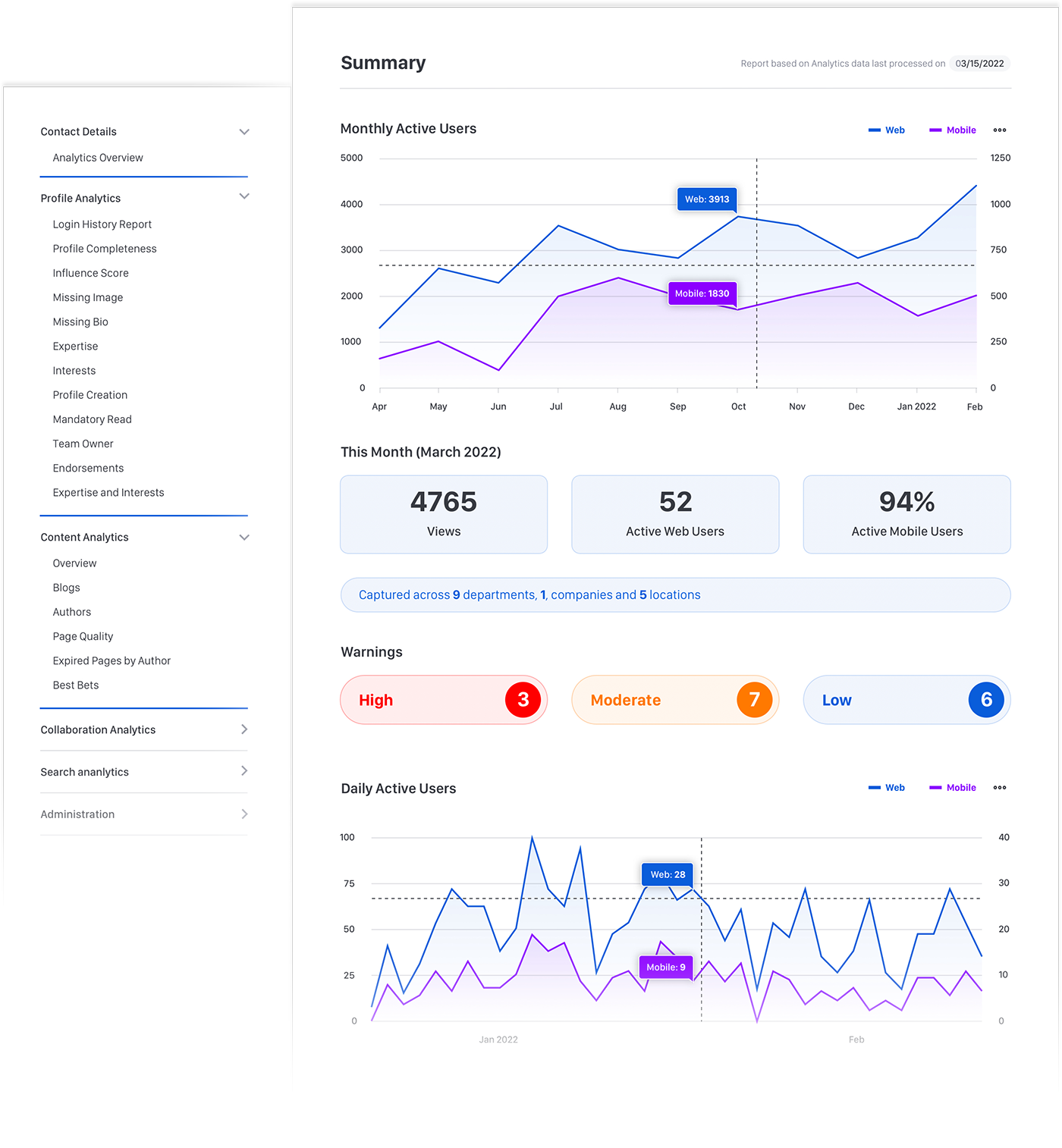


Advanced Analytics
Delve deeper into your data. Discover deeper insights, uncover user journey behaviors, and create custom reports using industry-leading third-party products.










Simple integration
Native connectivity support for many leading BI solutions resulting in no complex API integration and near real-time data access (ODBC also supported).
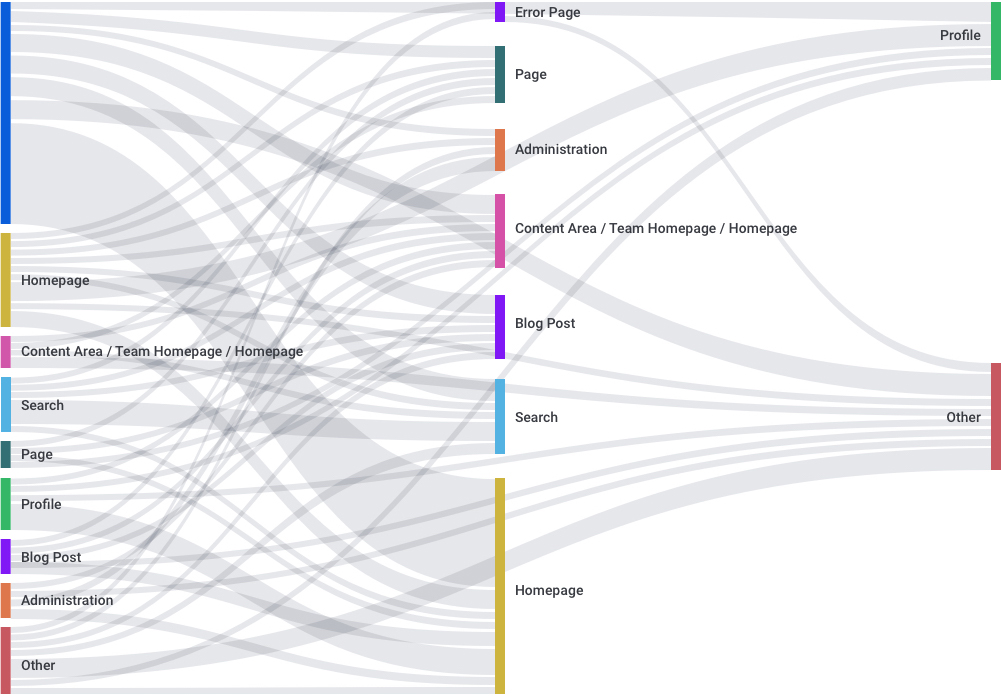
Create custom analyses
Model unique insights (e.g., user journey paths) and gain deeper understanding using over 40 raw events and action attributes or track custom events using the Developer Framework.
Enrich with other data.
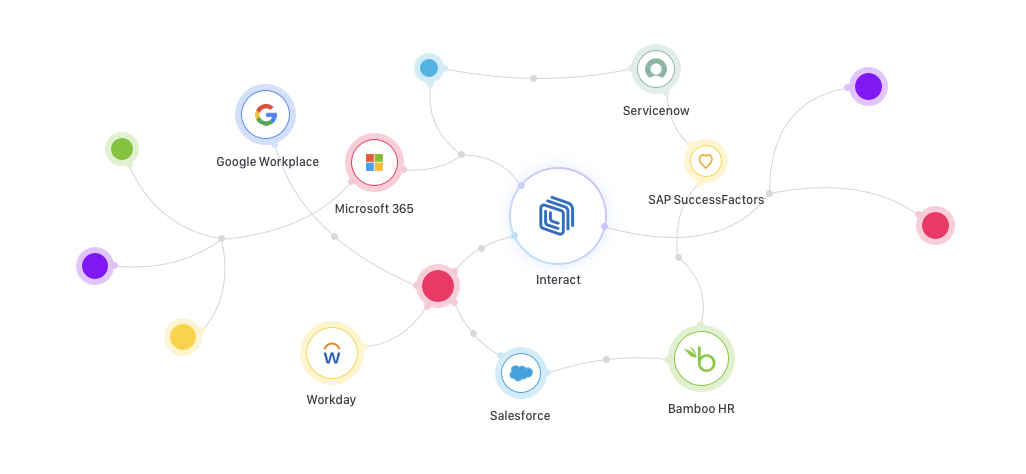
Combine and expand your intranet data with additional data sources within your BI solution (including customizable join-fields e.g., EmployeeID, WorkDayID).
Empower everyone with valuable insights
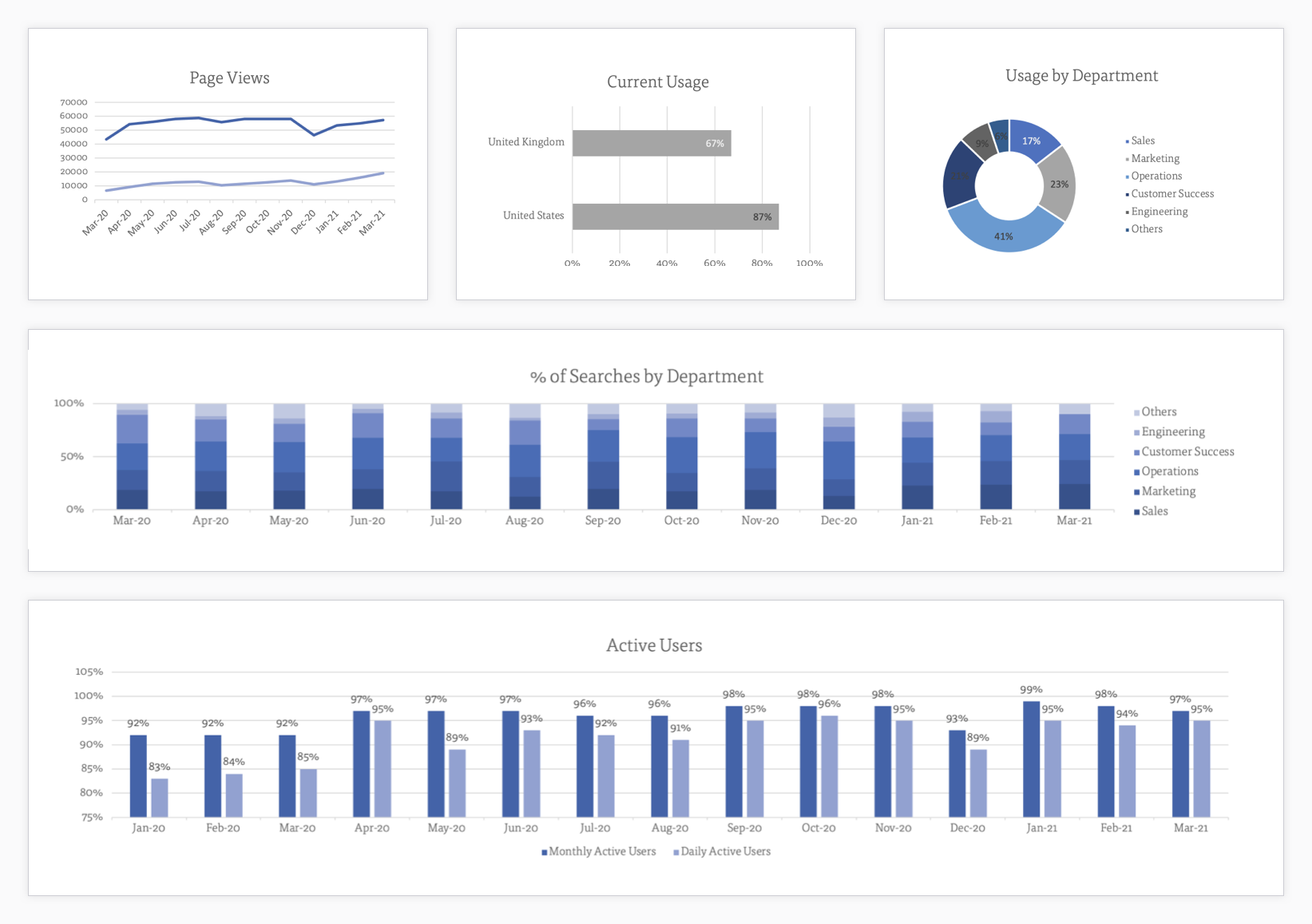
Give your employees access to web-based dashboards that are easy to filter and share creating powerful holistic views, then drill into insights for deeper analysis.
Secure as standard
Ensure peace of mind with AES-256 encrypted and isolated data storage using AWS data lake technology with no performance degradation.