Build a culture of communication
At the heart of every successful business is a strong culture of storytelling. Stories that resonate and bring people together.
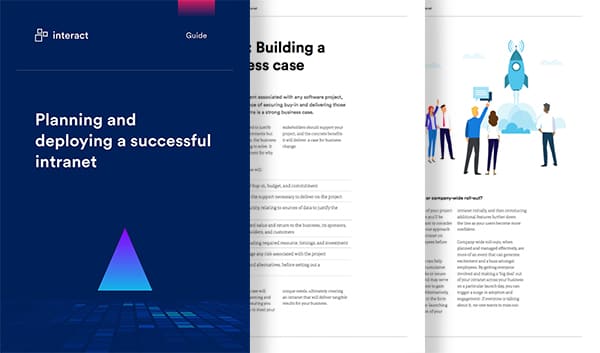
Learn more Free Intranet PlaybookCraft rich content with ease
Empower your army of publishers with a simple CMS where they can create compelling, relevant content.
Promote a culture of inclusivity
AI-powered content analysis sparks awareness and encourages authors to build positive and progressive language into their stories.
Reach every employee
Schedule and distribute stories and content through the channels where your employees live.
Make content creation more effective
Reduce how long intranet authors spend writing, refining, or editing content - or simply get a starting point to work from - through text prompts that add valuable, accurate detail.
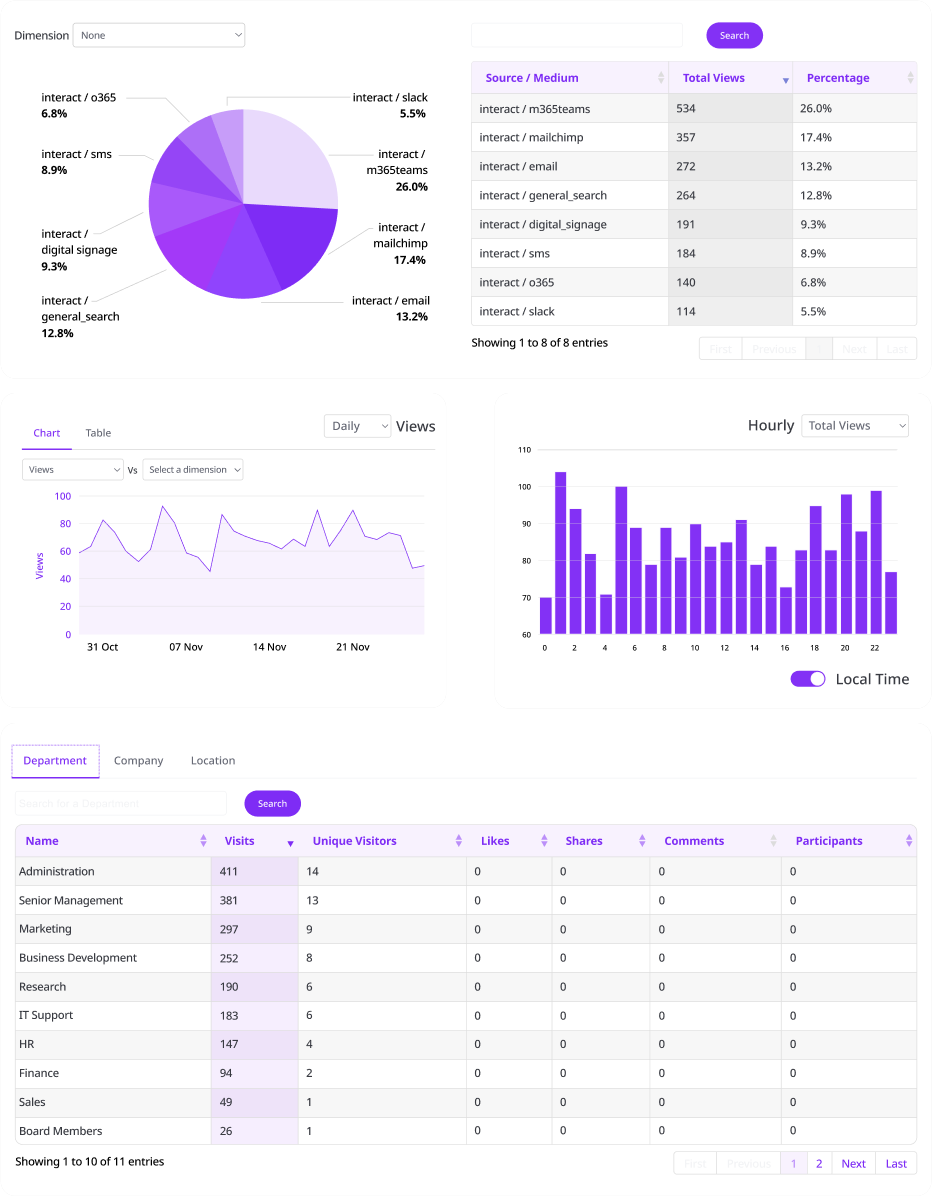
Real time monitoring
Empower authors to improve their content with detailed performance insights including visits, channel effectiveness, and social engagement.
Packed with innovative features
Content Lifecycle Management
Keep content relevant with automated lifecycle alerts.
Multilanguage conversion
Break down barriers with machine translation for over 60+ languages.
Mandatory Read
Target audiences to ensure critical content is read.
Quizzes
Analyse pass/fail marks on crucial information.
Audience targeting
Alert groups of employees to new or updated content.
Duplication detection
AI recognition spots similar content to avoid replication.
Channel preview
See how content is displayed in every channel.
Auto summary
AI-Automated summary population to improve findability.
Sentiment Analysis
Holistic feedback on content negativity levels.
Predicted reach
Real time channel reach analysis.
Image accessibility
Automated AI-powered alternative text for image.
Content templates
Use existing templates or build more to standardize content.
Confidentiality Rating
Ensure readers are aware of any sensitivity.
Content Classification
Assign content to an internal taxonomy for improved findability.
Topics
Tag content to Topics boosting personalization.
Best Bets
Force content using keywords to top of the search results.
Content recommendation
Allow automated or create manual content.
Promotion Channel Control
Manage which comms channels your authors can post on.
Private feedback
Encourage direct feedback to authors to keep content relevant.
Polls
Gather feedback straight from a page.
Public pages
Publish non-gated content accessible anywhere.
Ghost writing
Publish content on behalf of another.
Snippet builder
Build reusable content fragments.
Comments feed
Encourage feedback.